Flow & rhythm
When typing feels automatic, your brain stays on architecture, logic, and debugging.
Typing · Focus · Output
In programming, typing is not only “letters per minute”. It’s punctuation, symbols, structure, and staying calm under speed.
SkillsTyping supports multiple themes — these pages inherit your theme variables (no extra work needed).




The big picture
The keyboard is still the main interface for coding, tooling, docs, chat, and tickets. Less friction means more time “in the problem”, less time “in the keys”.

When typing feels automatic, your brain stays on architecture, logic, and debugging.
Small mistakes compound: typos in CLI, SQL, configs, and code waste minutes repeatedly.
Confidence grows when you can type fast without “fear of symbols”.
For developers
Code has punctuation density: (), {}, [], <>,
quotes, escaping, operators, and indentation.
Practicing on normal text helps, but it doesn’t train the “syntax reflex”.
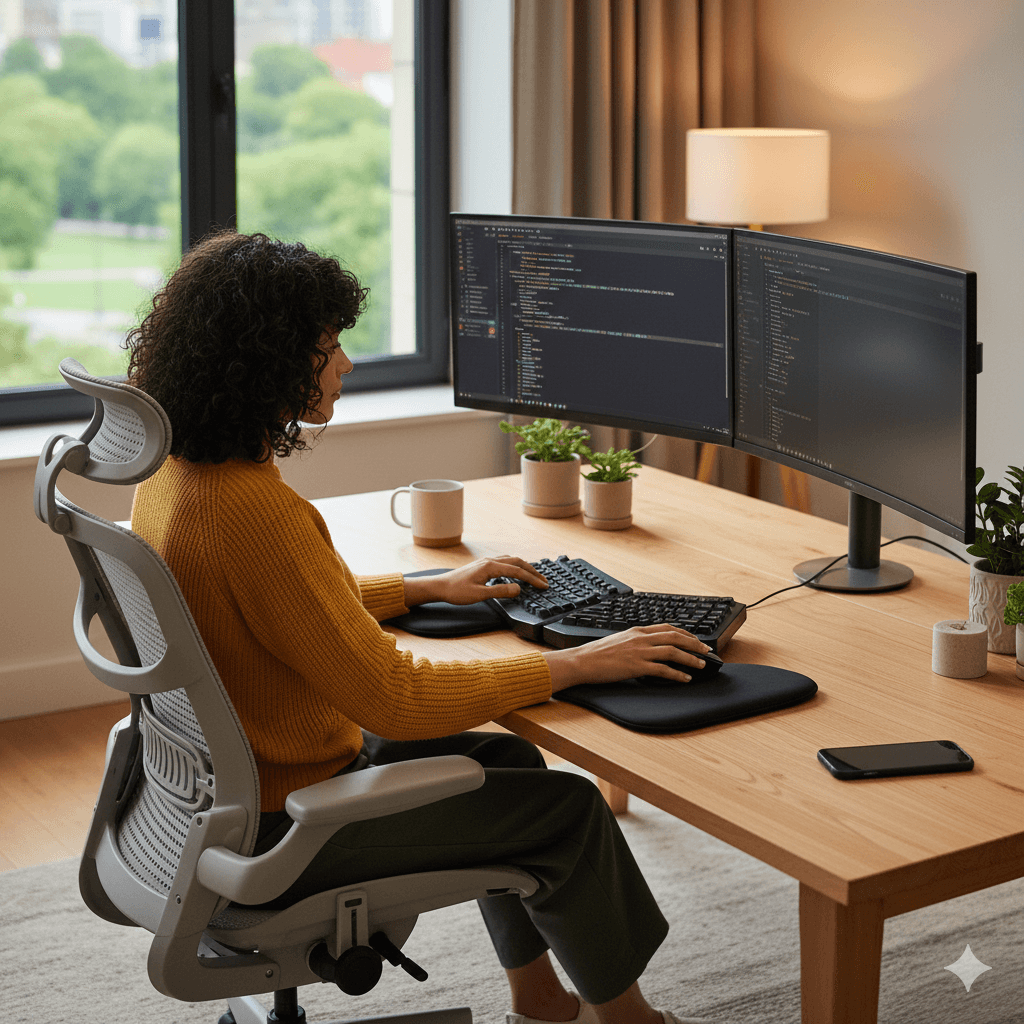
Operators, generics, lambdas, and chains stop being “special events”. You type them like words.
Most engineering time is not “new code”; it’s commands, edits, searches, logs, and config changes.
Method
Short reps. Real syntax. Repeatable patterns. Measured improvement.
Brackets, generics, nested calls, long expressions, escaping, and strict punctuation rhythm.
Consistency: indentation, spacing, and “clean typing” so code remains readable.
Typing for real work: PR comments, standups, docs, client messages, and precise writing.
Placeholders are ready:
/images/learn/why-how.png, /images/learn/why-tips.png, etc.
Add any images later without touching markup.
10 minutes daily is enough. Stop while you still feel sharp — consistency beats burnout.
Practical tips
Doable rules you can follow even on busy days.

Chase clean keystrokes. Speed rises naturally when mistakes drop.
5–15 minutes. Stop before you get sloppy.
Alternate code drills with communication: you train “work typing”, not just WPM.
Neutral wrists, relaxed shoulders, stable chair/desk height — reduce fatigue and errors.
FAQ
Quick answers you can scan.